The whole studio,
in one text box.
Write a prompt, direct it scene by scene, or hand the brief to an AI agent that builds and publishes for you. Here is exactly what that looks like.
From a sentence to a finished cut.
Type what you want. The Vibe Video writes the script, splits it into scenes, voices and renders them, and hands you a finished video, ready to post.
Try it freeSet it once. It posts every morning.
Tell the agent what you want in plain language. It writes, voices, and renders the scenes — then an automation publishes a fresh video on your schedule.
Try it freeFour ways to make a video. One place to do it.
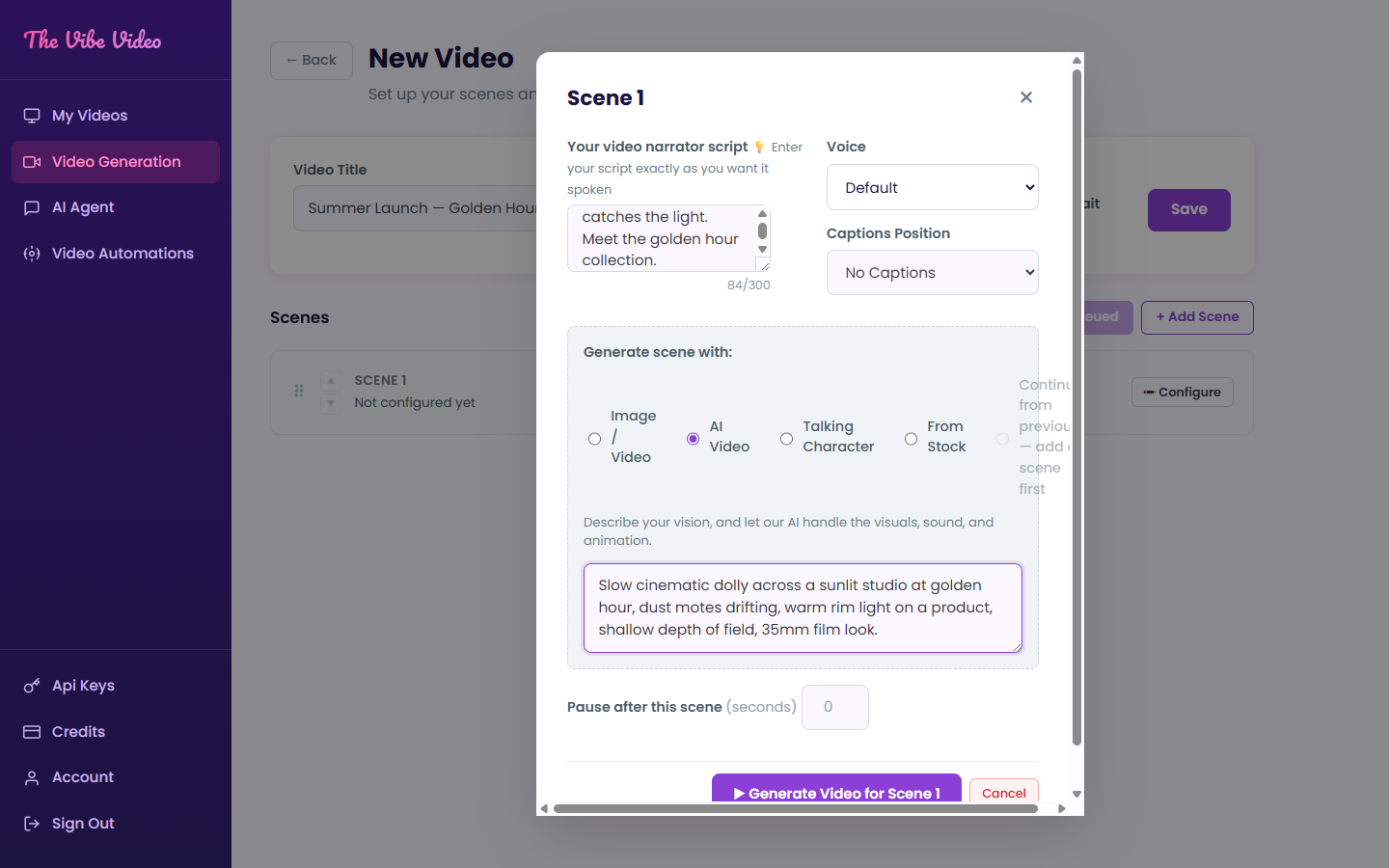
Direct every scene, shot by shot.
Write the narrator script, pick a voice, choose how each scene is generated, and position your captions. Reorder, pause, and regenerate any single shot without touching the rest.
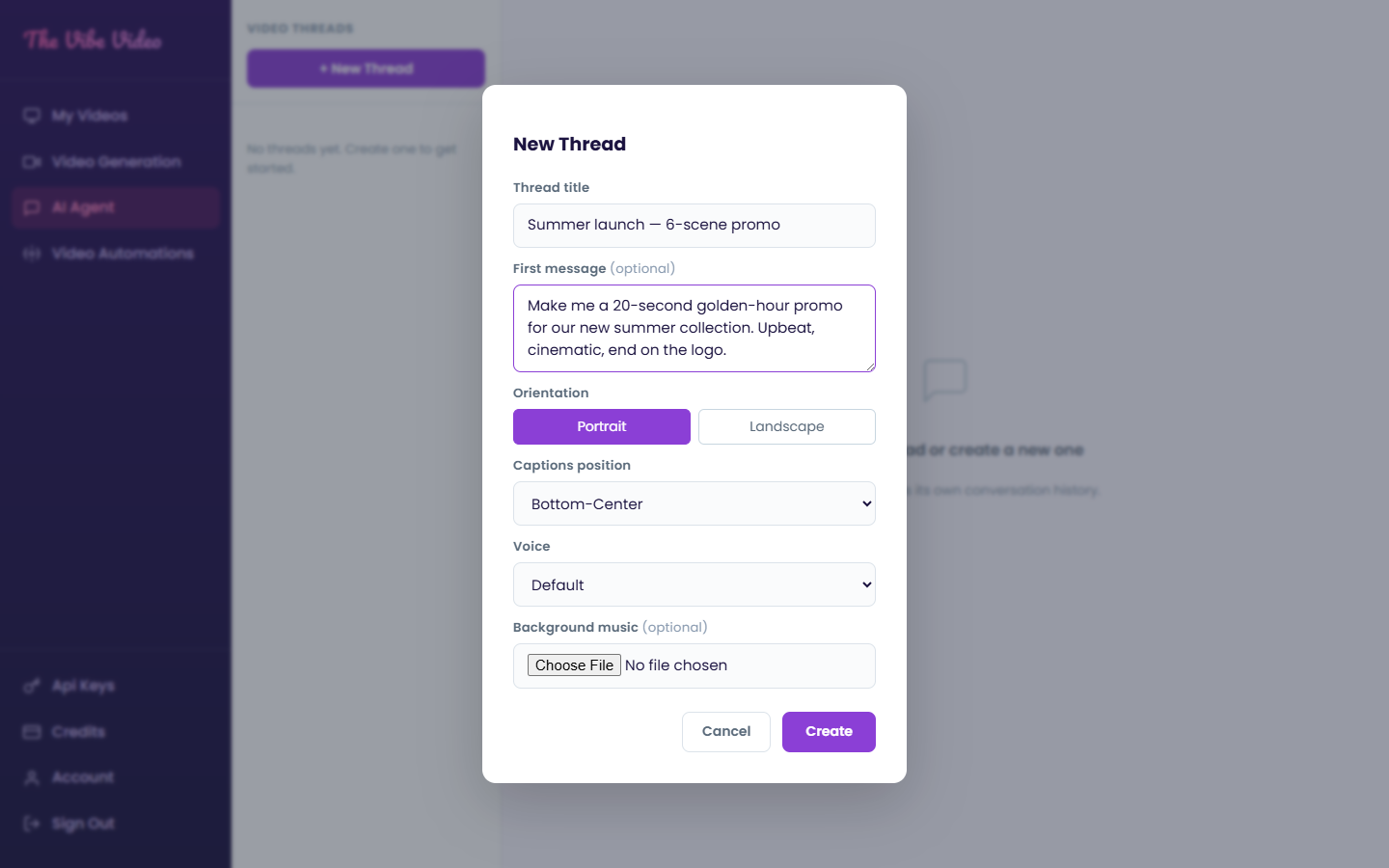
Just tell the agent what you want.
Start a thread, describe the video, and let the agent assemble the whole thing — orientation, captions, and voice included. Each thread keeps its own history so you can iterate.
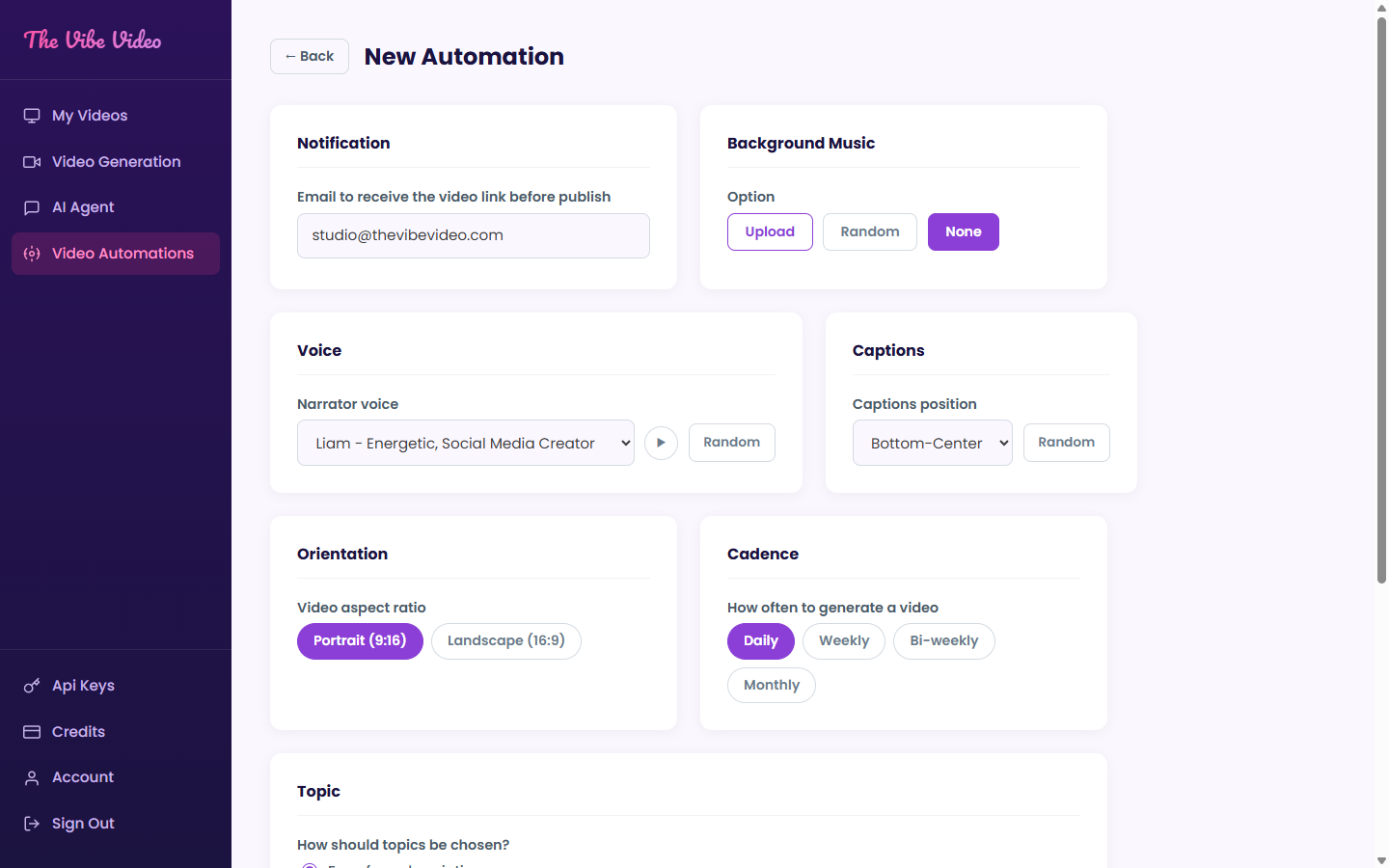
Put your content on a schedule.
Choose a cadence, a voice, and a topic source — your brand brief, free-form instructions, a list of topics and URLs, or trending topics. Then let it run: each new video posts itself to the networks you pick.
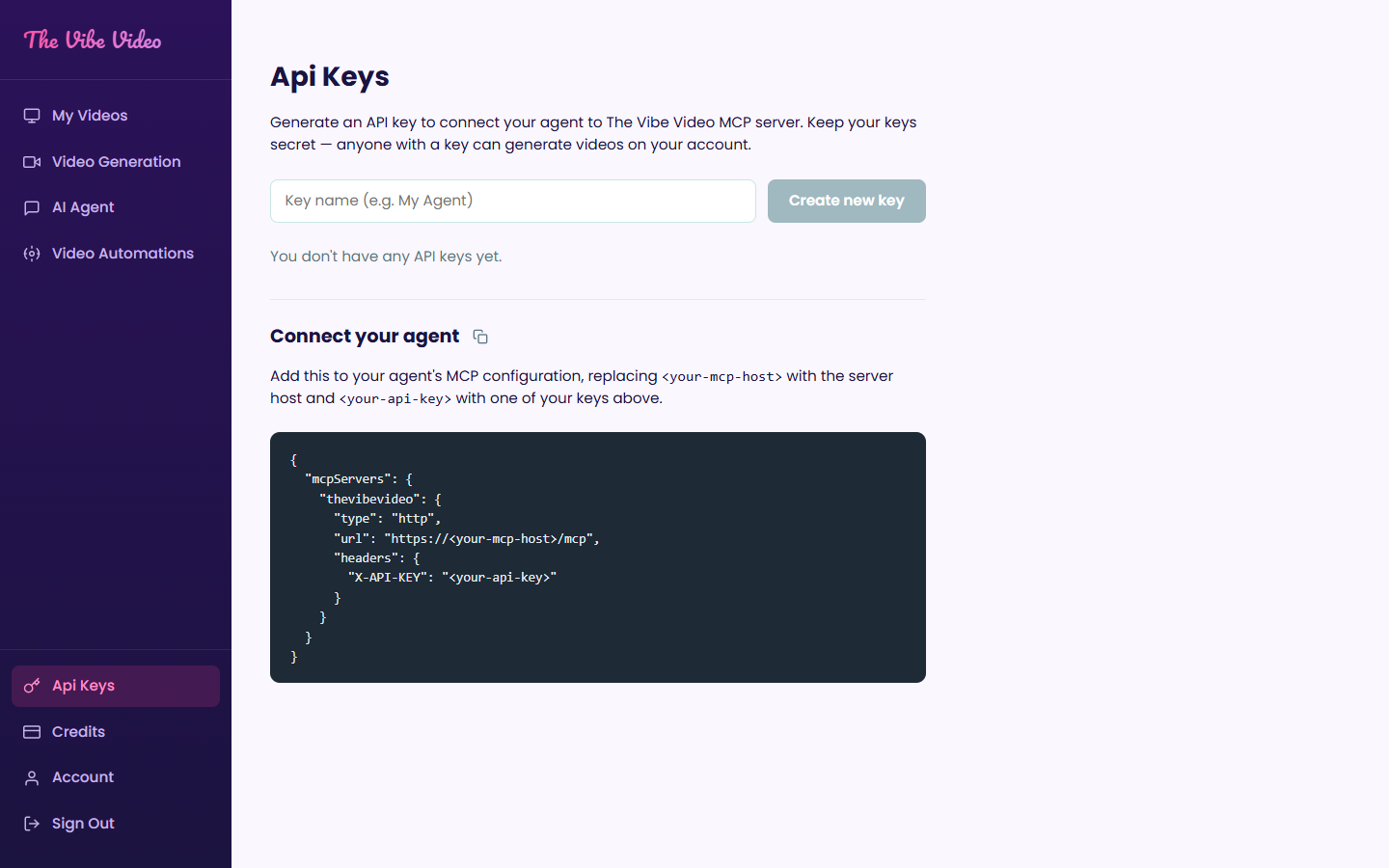
Connect your own agent.
Generate an API key and plug The Vibe Video into any MCP-compatible agent. Drop the config into your tool and let your own automations generate videos on your account.
A full production crew, built in.
Text to video
Describe a shot and get cinematic footage — lighting, motion, and mood included.
Talking characters
Lip-synced AI presenters that deliver your script straight to camera.
Studio voices
Warm, energetic, authoritative — pick a narrator and apply it per scene.
Auto captions
Burned-in captions you can position anywhere, from top to bottom-center.
Stock + AI blend
Generate fresh visuals or pull from stock — mix both inside one video.
Portrait or landscape
Vertical for Reels, Shorts, and TikTok or horizontal for YouTube — with background music and timed pauses.
See it work on
your own idea.
Free to start. Your $1 of signup credit covers your first renders — then watch the studio do the rest.
Start creating free